Audio visualization
from your menu bar.
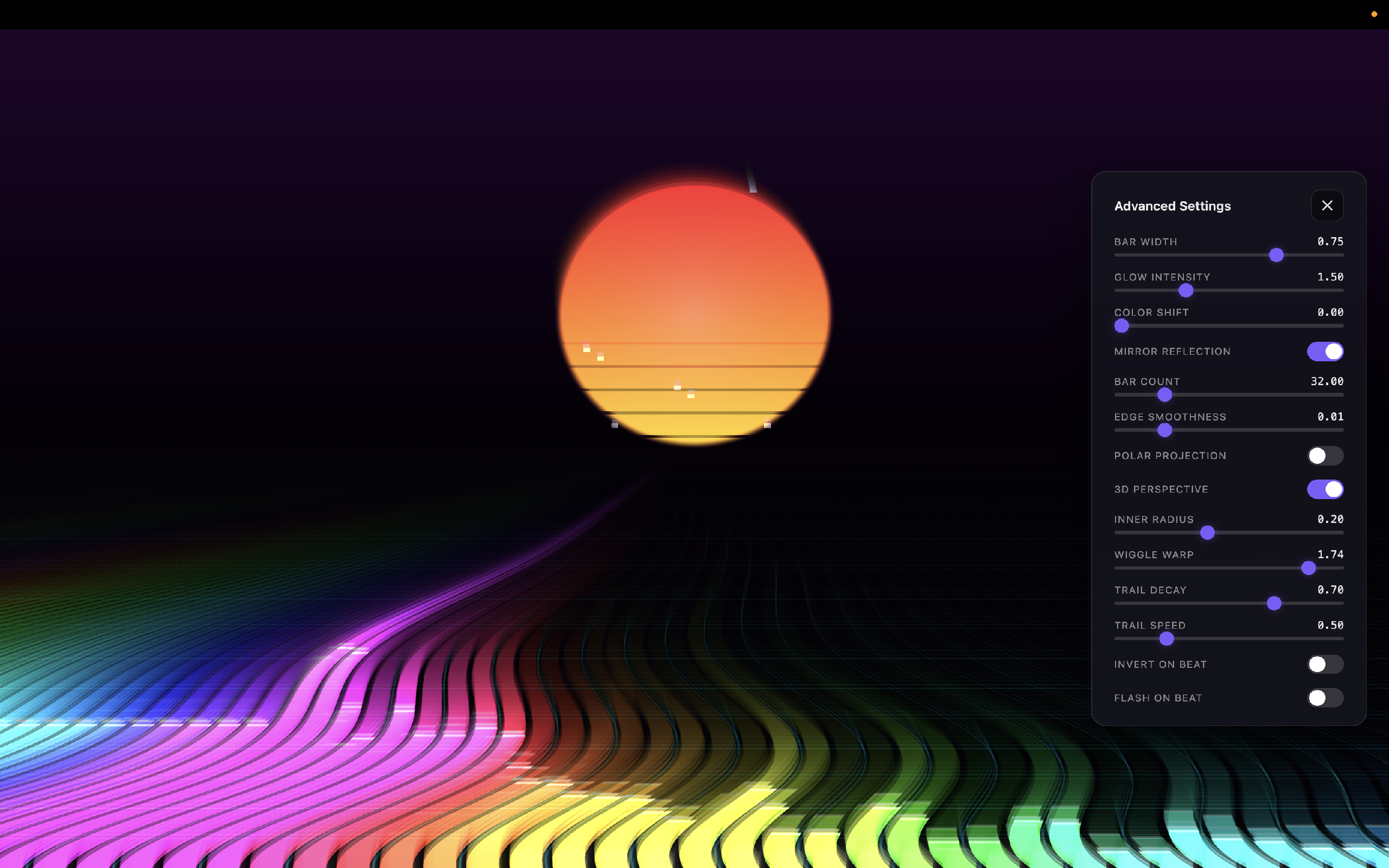
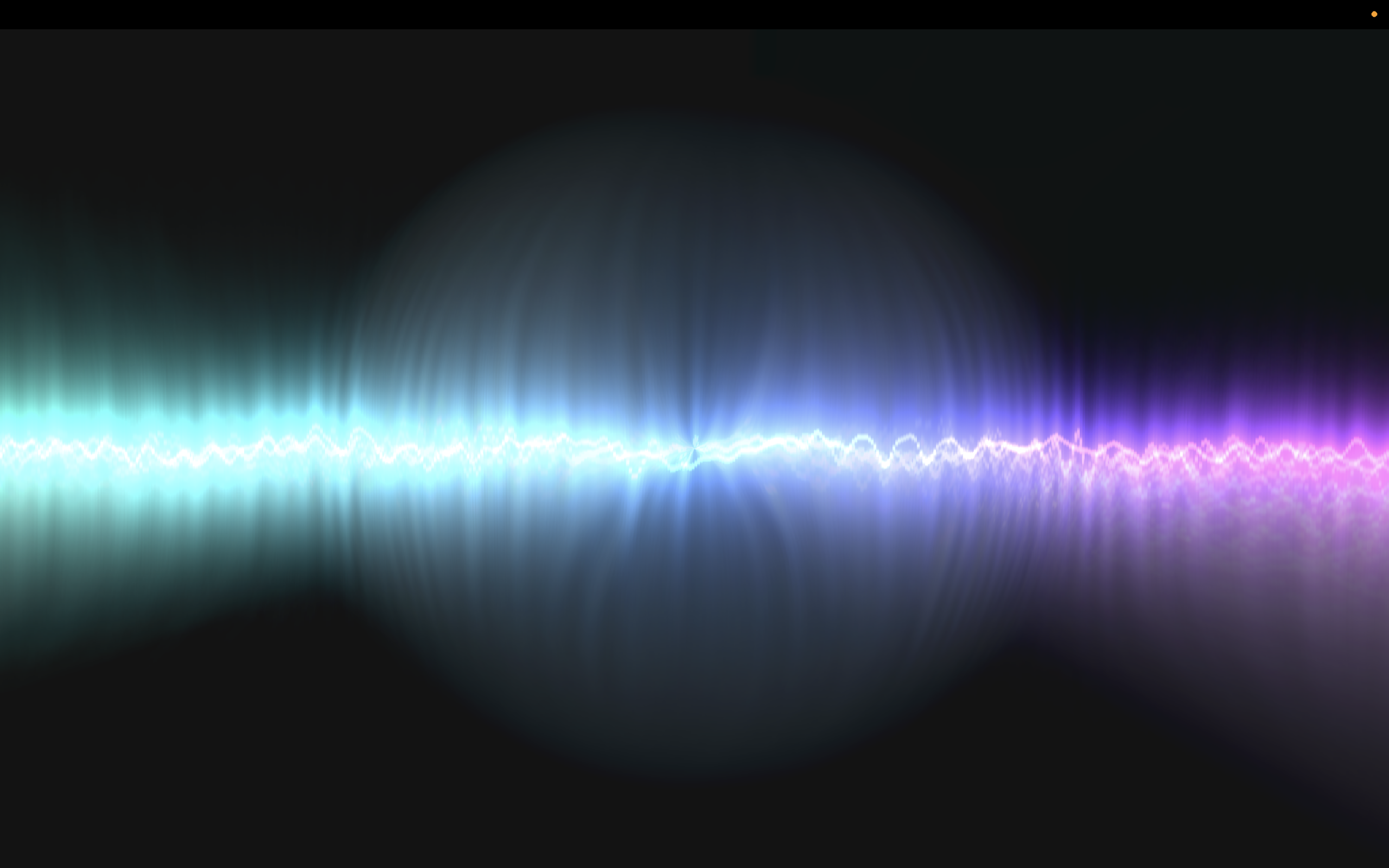
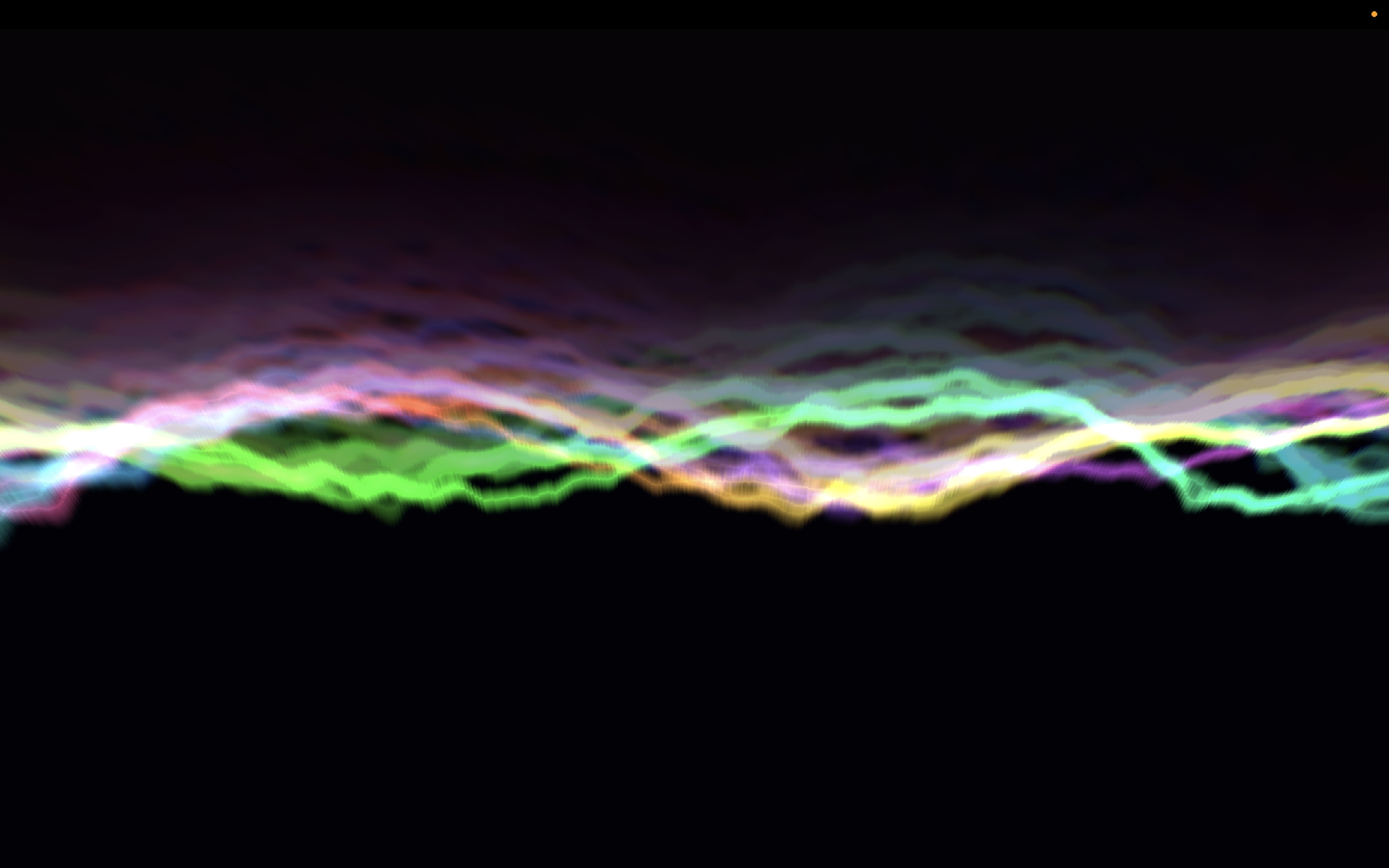
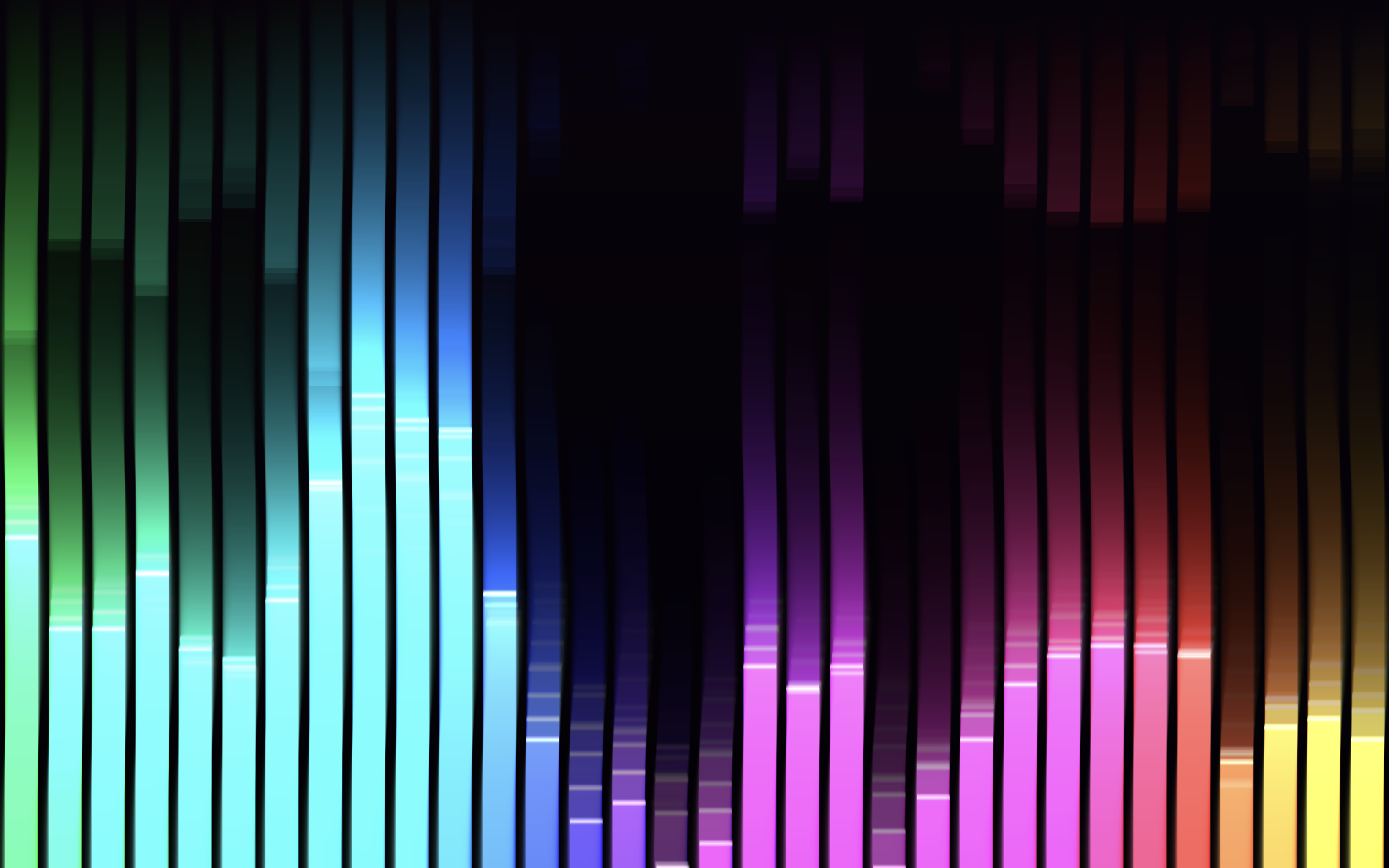
VizAmp is a premium, ultra-responsive audio visualizer that runs locally on your Mac. Reacts in real-time to system sound, music players, and DAWs with zero lag.
"An absolute must-have utility for live streaming. Reacts instantly to my audio interface feed."
Marcus J. (Twitch DJ)"Love how it sits silently in the menu bar. Clean WebGL presets that look gorgeous on my monitor."
Alex M. (Sound Designer)"Writing my own GLSL shaders in the .macviz format is incredibly easy. The hot-reloading is magic."
Emma R. (Creative Coder)"Finally a visualizer that doesn't consume all my CPU while I run Ableton in parallel."
Leo S. (Music Producer)"Perfect for ambient background visuals while working or studying. The Nebula mode is super relaxing."
Jordan P. (UI Designer)How It Works
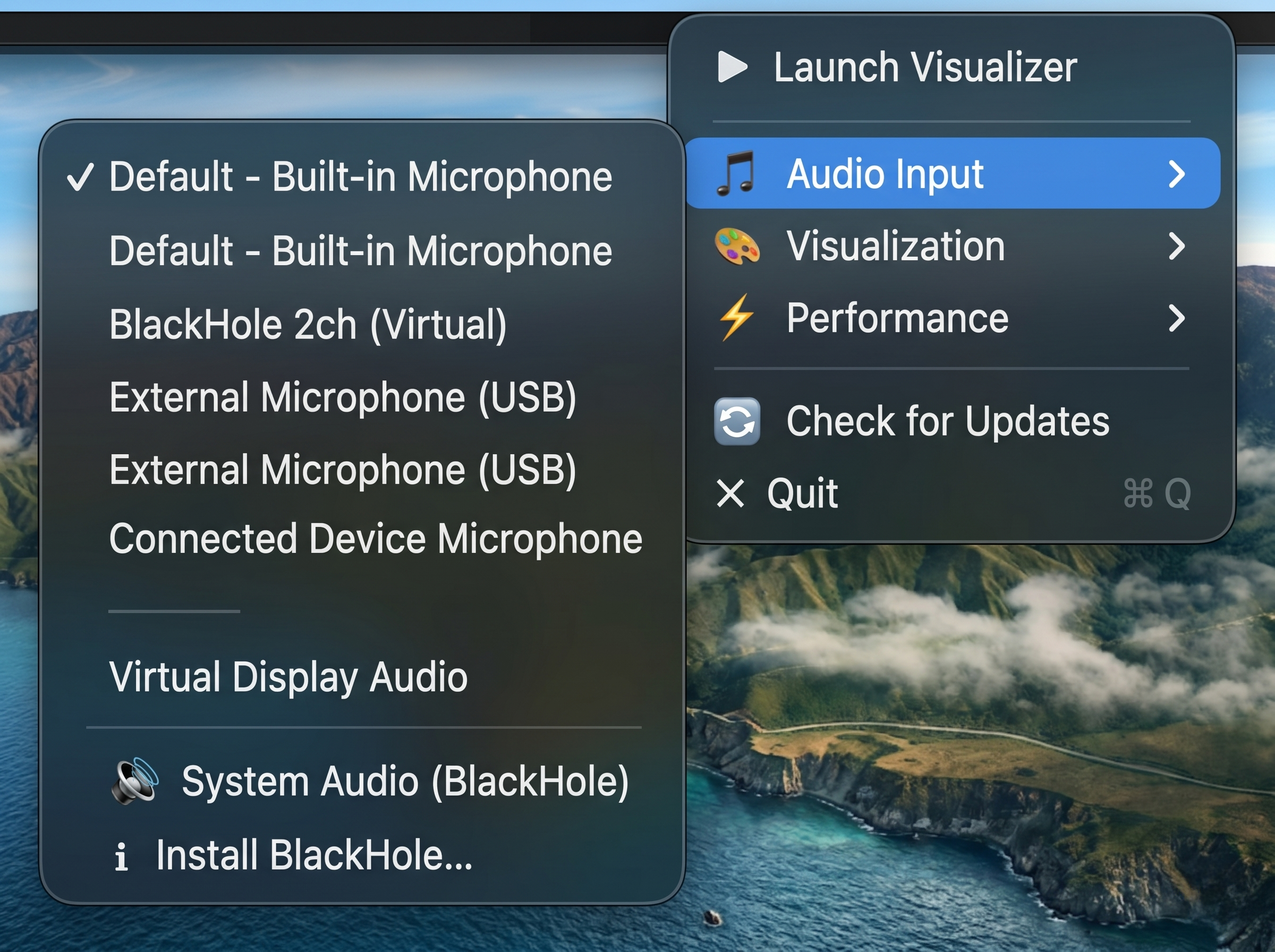
1. Pick your Source
Select your audio input directly from the menu bar icon. Use your built-in microphone to instantly visualize ambient room sounds. Installing a virtual audio driver like BlackHole is entirely optional, but recommended if you want to capture clean system audio (Spotify, YouTube, DAWs) directly.

2. Launch the Visualizer
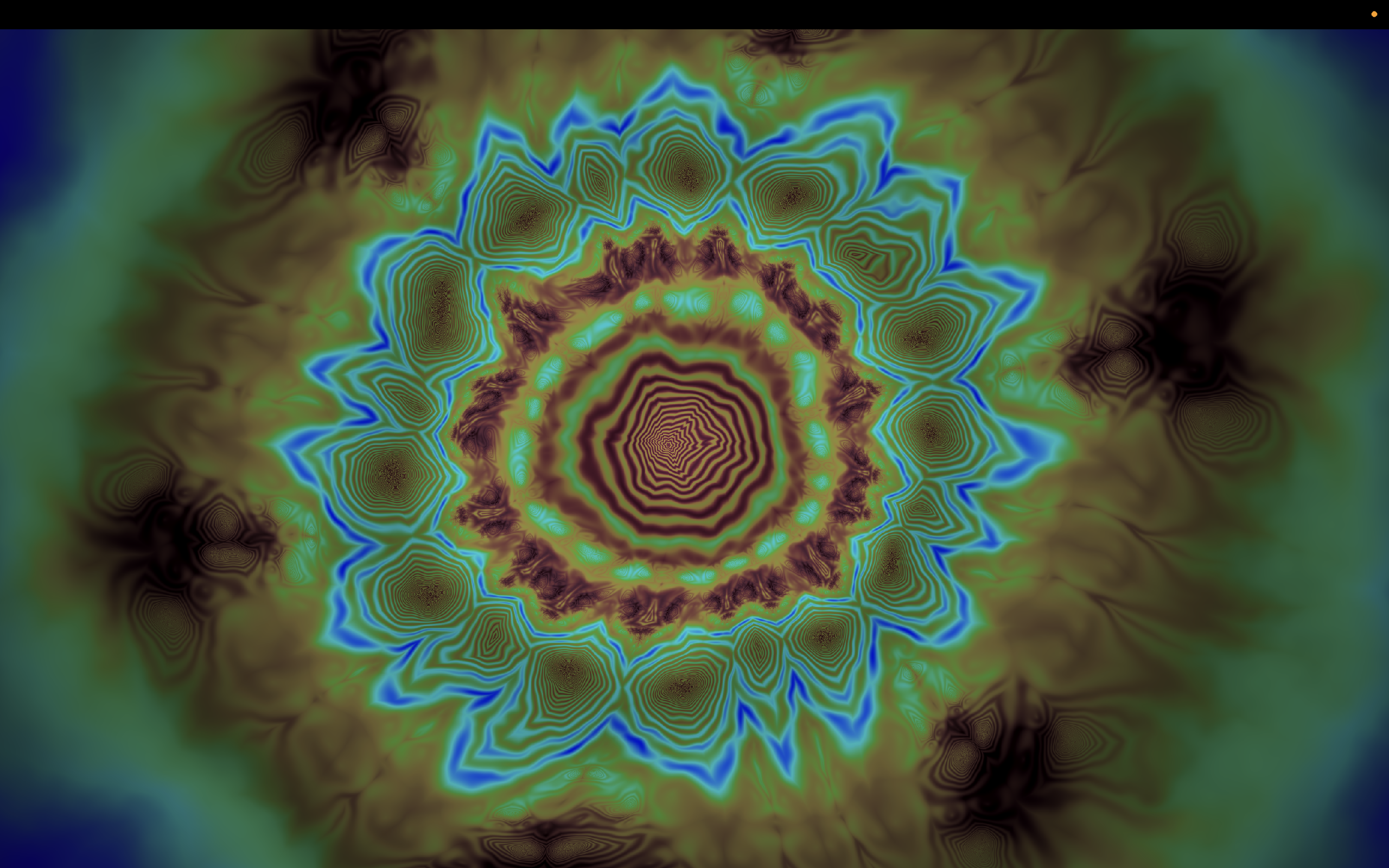
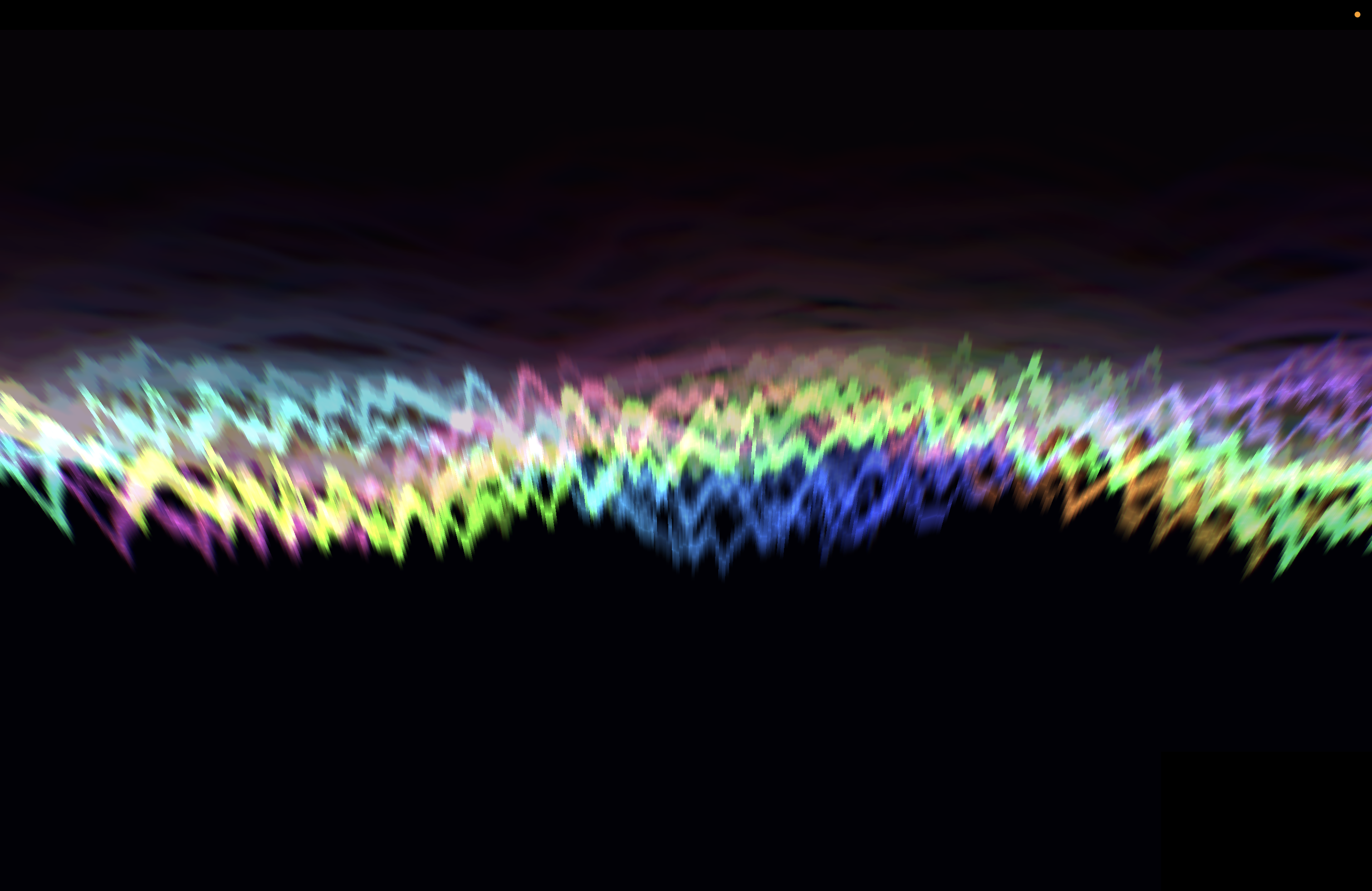
Start visualizing with a single click. Choose to run your visualizer windowed, full screen, or as a desktop overlay. Watch fluid, hardware-accelerated WebGL visuals react to audio frequencies in real-time.
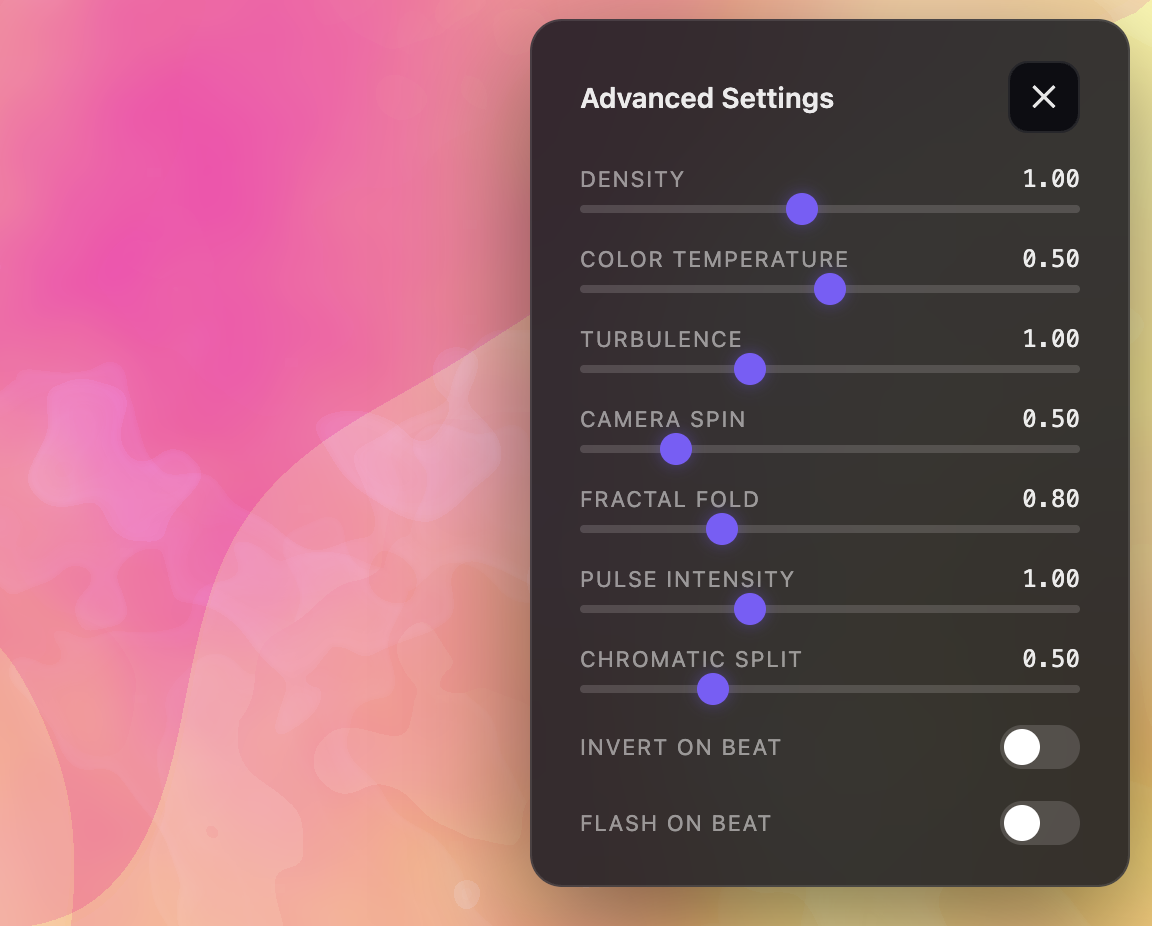
3. Tweak & Tune
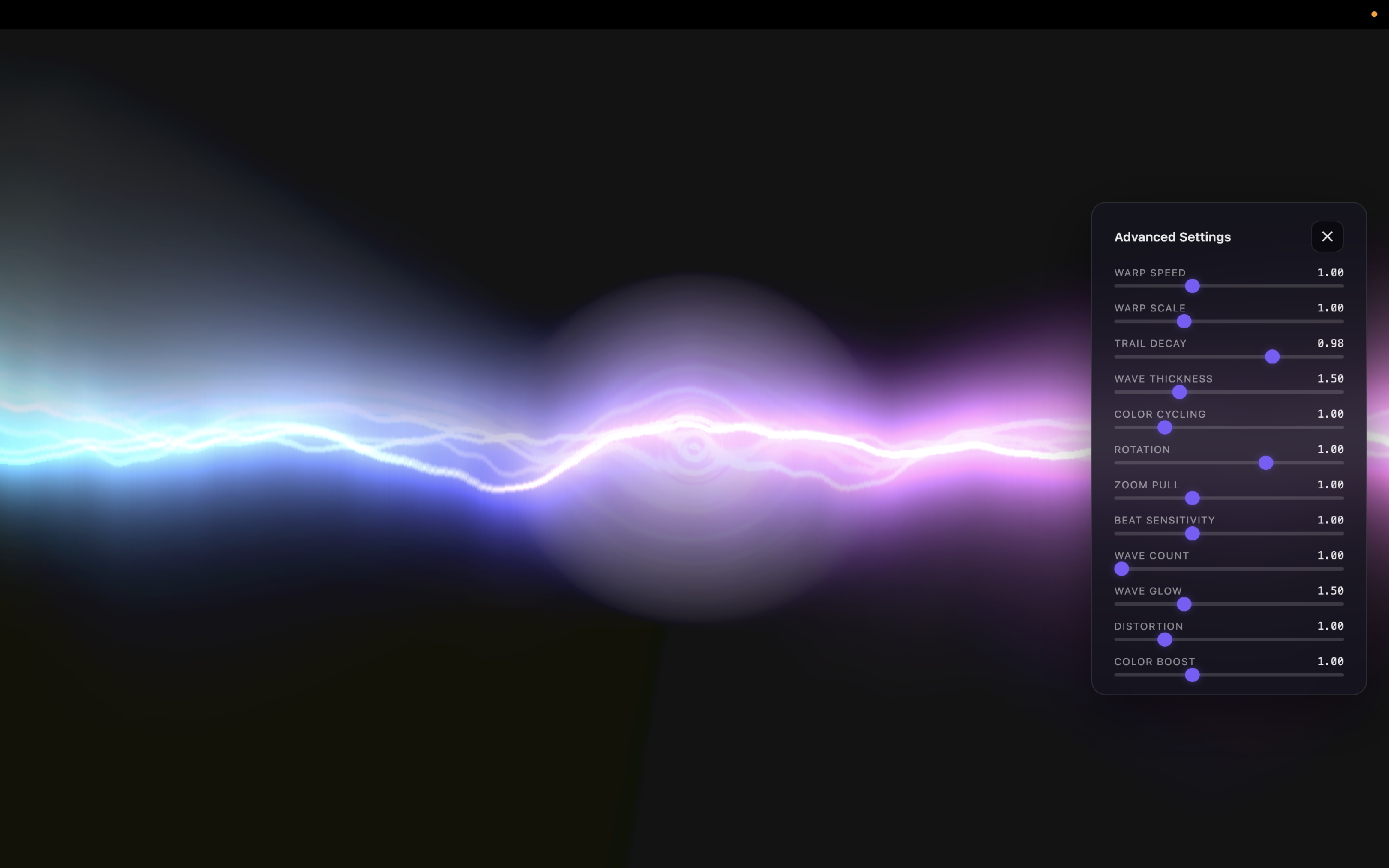
Fine-tune the presentation. Adjust gain sensitivity, decay rates, color schemes, and swap between 5 beautiful preset modes. You can even write custom fragment shaders using our simple `.macviz` template.
Frequently Asked Questions
macOS restricts direct audio recording from other applications due to sandboxing and security guidelines. To capture and analyze your system audio (Spotify, browsers, etc.), VizAmp routes it via a virtual audio device (like BlackHole). The operating system sees this virtual driver as a microphone input. VizAmp accesses the stream locally using Web Audio API; no microphone data is recorded, saved, or sent over the network.
No. VizAmp renders visualizations via hardware-accelerated WebGL through Three.js. This moves the computation load onto your Mac's GPU rather than the CPU, allowing the visualizer to output fluid 60FPS animations while keeping resources free for heavy apps like DAWs, video editing tools, or games.
Absolutely. VizAmp runs 100% locally. The application contains zero logging frameworks, zero analytics trackers, and zero networking modules. All audio stream analysis and rendering happen in memory on your local machine and never leave your hardware.
To route and visualize your macOS system audio in real-time:
- Download and install a virtual loopback audio driver, such as the free, open-source BlackHole 2ch driver.
- Open macOS Audio MIDI Setup (Applications > Utilities), click the + button in the bottom-left corner, and select Create Multi-Output Device.
- Enable your outputs: Check both your primary speakers/headphones AND the BlackHole 2ch device in the check list.
- Set your system output: Open your macOS Sound Settings or menu bar volume control and select the newly created Multi-Output Device as your output source.
- Select input in VizAmp: Click the VizAmp icon in your menu bar, choose BlackHole 2ch, play your audio, and watch the visuals react!
Compatibility
| Architecture | Apple Silicon (M-Series) & Intel Core processors |
| Hardware | Any Mac with audio outputs (built-in or USB interfaces) |
| Operating System | macOS 12 (Monterey) or newer |
Lifetime License
Unlock the full power of system audio visualization. Includes 5 hardware-accelerated WebGL presets, automatic loopback guide, and hot-reloadable custom shader support.